


Platform CareHR™

    Standard onboarding that you can edit.

    Easy process and people management.

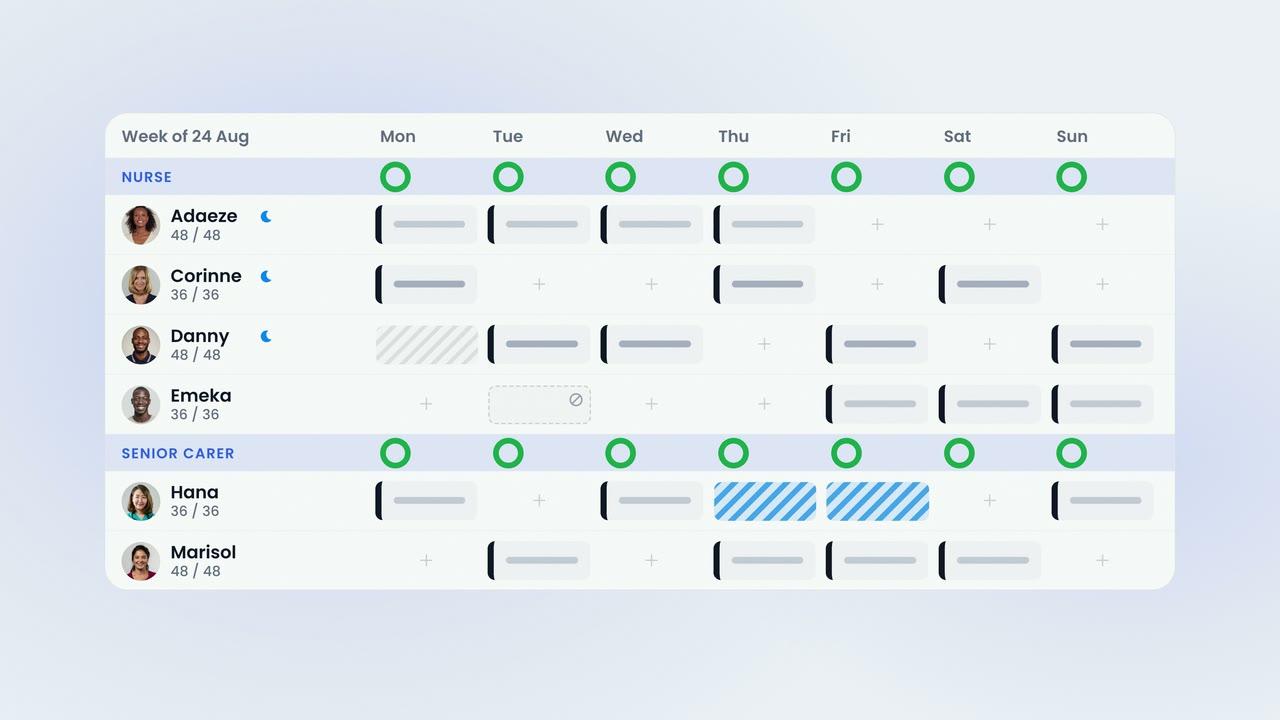
    Every home starts with the standard onboarding, from DBS and right to work to references and training certificates, and adapts it. New starters complete it from their own phone. The compliance matrix shows the whole team against every step, and every document alerts your managers before it lapses.

    InCareHRPlatform£6 per bed per month
    Isla Morrison · onboarding
    14 of 14 steps
    Ready for review
    Document expiry
    Hana KobayashiFirst aid certificate · 7 daysReminder sent

    01 · Onboarding

    Standard onboarding that you can edit.

    Every company begins with the standard template, from application and right to work to DBS, references and training certificates, and reshapes it to its own steps, fields and expiry rules.

    The Standard TemplateThe standard care-home onboarding is provided on day one. Steps can be added or reordered, fields set, and every document given its own expiry and reminder.
    Rules per DocumentEach field can be required, carry an expiry date and keep its own reminder lead time.
    Invited in One StepAdd the person and select Onboard. They set a password from the link and continue on the web or in the app.
    New Starters Onboard ThemselvesNew starters complete onboarding from their own phone, scanning each document into the record.
    Import an Existing TeamUpload a staff list as a spreadsheet or a photograph. AI proposes the column-to-field mapping for you to approve, and personal details are redacted before any row reaches the model.
    Proposed, Then ApprovedThe mapping is proposed by AI and applied only when a manager approves it.
    02 · Review

    Approve field by field, or request a single correction.

    HR reviews each field and approves it, or requests a correction. The new starter is notified in the app and re-submits only the item flagged.

    Field-by-Field ReviewOne tick approves a field. One click requests a correction, with a note the new starter sees in the app.

    Only the Flagged ItemThe new starter re-submits the one document flagged, not the whole pack.
    Every Decision LoggedEvery change to a staff record is held on the record, with who made it and when.
    Approved and LockedAnything approved locks behind the new starter, and the record shows who approved it and when.
    03 · Compliance

    The compliance matrix shows the whole team against every step.

    Per home, the matrix shows who is complete, who is outstanding and what is due to expire. Training certificates, right to work and DBS are tracked in the same place as every other document.

    The Compliance MatrixEvery member of staff against every requirement, per home: approved, pending, correction and rejected, on one screen.
    Training Tracked AlongsideTraining certificates are tracked alongside every other document, with expiry dates and reminders.
    One Matrix per HomeThe onboarding template is set once for the company; the matrix, tracker, reminders and reports run per home.
    Set Once for the CompanySettings are made once for the group and tuned for each home, so head office and the home manager read the same screen.
    04 · Documents

    Every document knows its expiry, and alerts your managers before it lapses.

    Every document holds its own expiry date and alerts your managers at the lead time you set for it, whether 30, 60 or 90 days, and shows on the home dashboard.

    Reminders at Your Lead TimeOne reminder per document, on the day you set: by email to managers with the document permission, and under Needs you in the app for the member of staff.
    30, 60 or 90 DaysEach document keeps its own reminder lead time, from a week for a first-aid certificate to ninety days for a DBS.
    Every Version KeptA renewed document sits in front of the ones it replaces. Nothing is overwritten.
    Private Storage per HomeRenewals stack as history in your own private storage, per home and never public.
    05 · Policies

    Policies carry versioned acknowledgement.

    Policies are issued with versioned acknowledgement, read and acknowledged in the staff app, with a report showing who has read the latest version.

    Read and Acknowledged in the AppStaff read a policy on their phone and acknowledge it. The report lists names and times, scoped to the current version.
    Who Has Read the Latest VersionThe acknowledgement report shows who has read the latest version and who has not.
    Also in CareHRLeave, CareKudos and CareSurvey are included in the CareHR plan. Each has its own page.
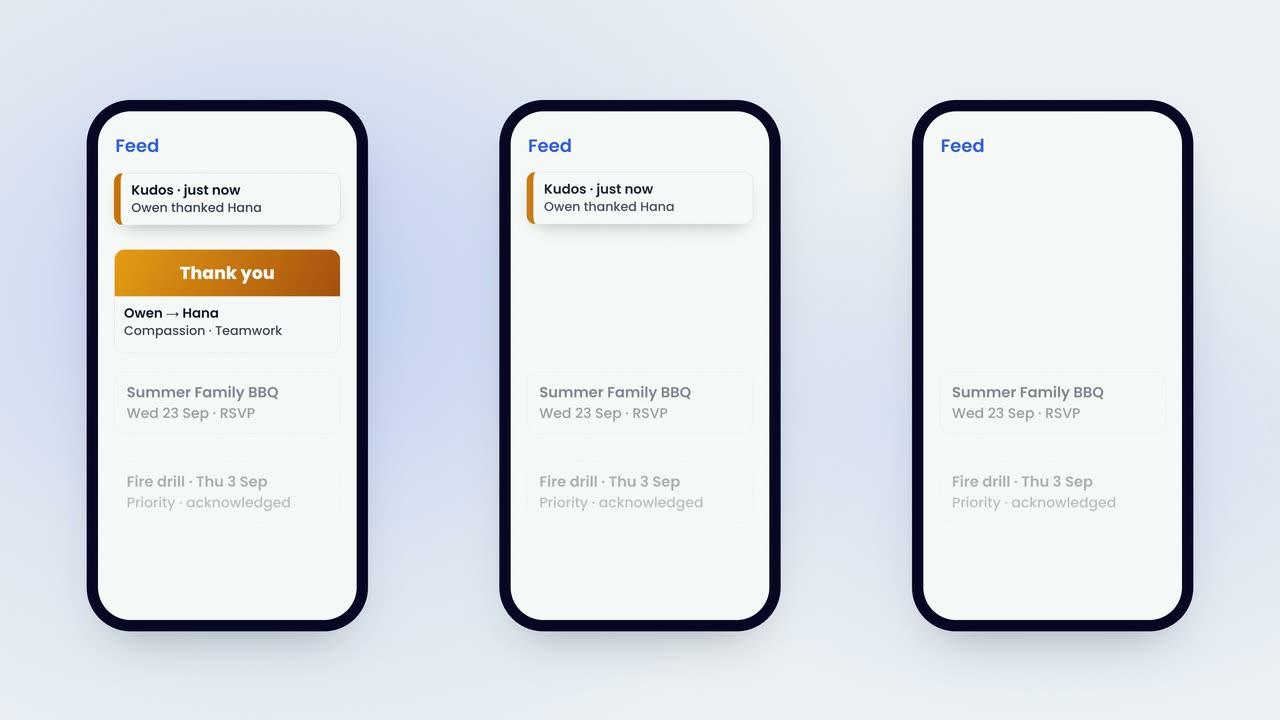
    Leave, Recognition and SurveysLeave is requested and approved on the phone. Recognition and one feed for the home. Staff, resident and family surveys with an action plan you own.

    The film · 2:39

    This is a staff file.

    A short film explaining how CareHR onboards a new starter, keeps the team's documents in order and in date, and evidences policies. Captions are available.

    85%
    reduction in shift gapswithin six weeks
    2x
    increase in staff sentimentpositive mood scores
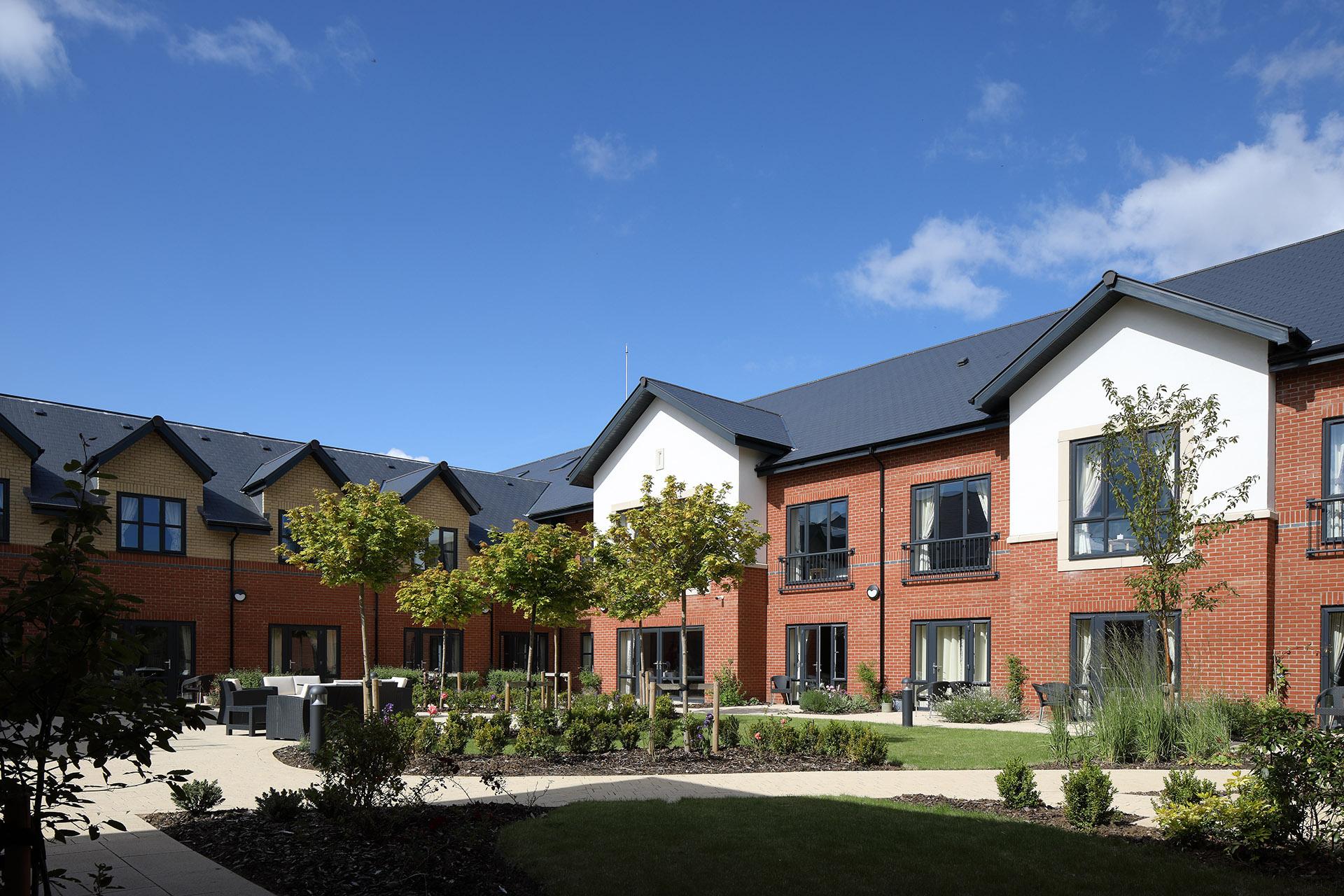
    The dining room at Esmere Gardens

    Moreton-in-Marsh, Gloucestershire70 residentsResidential, nursing and respite

    • HR records & onboardingEvery member of staff has a single record, and new starters complete their onboarding from their own phone.
    • Compliance & trainingThe compliance matrix shows every member of staff against every requirement, for each home.
    • PoliciesIssued with versioned acknowledgement, and a report shows who has read the latest version.
    • Leave managementRequests and approvals from the phone, with balances, accrual and per-role caps.
    • Recognition & communicationKudos against your values and one feed for the home, with an acknowledgement report.
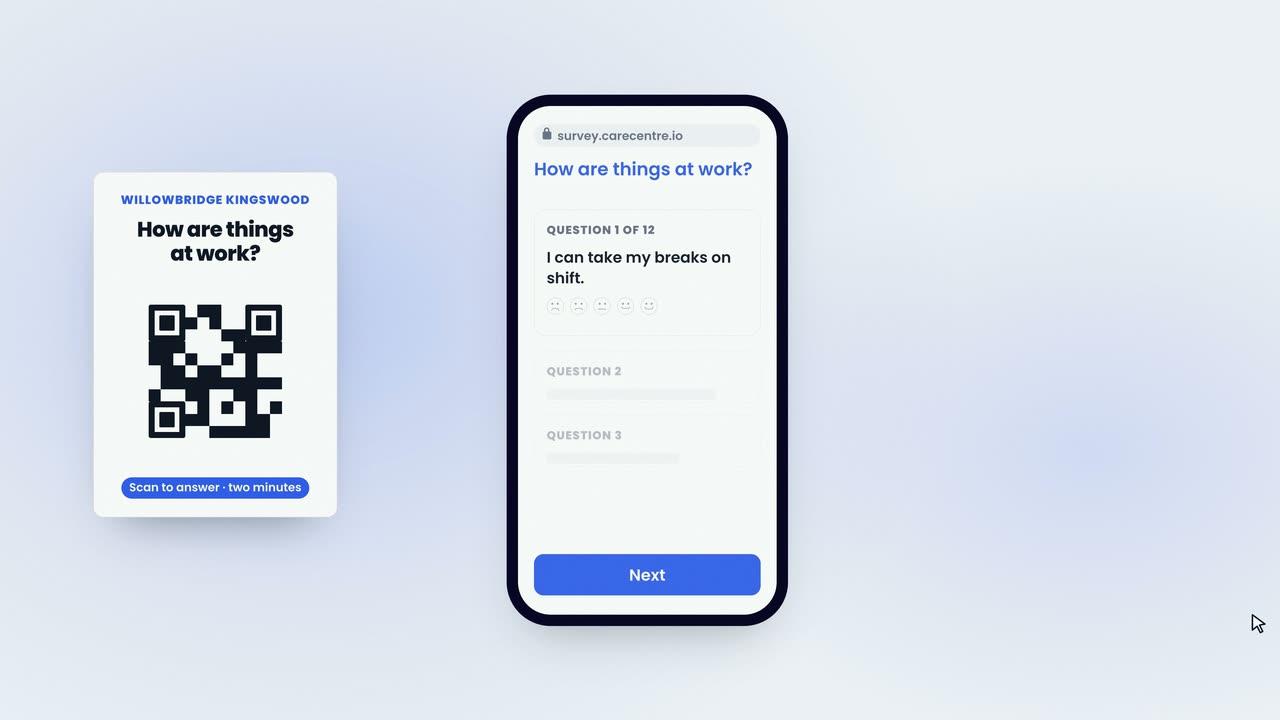
    • Surveys & pulseAnonymous staff, resident and family surveys, with a QR poster, an AI report and an action plan.
    • Staff appOn iOS and Android, for every staff member at no extra cost.
    • Training and support includedWe set up your homes, import your staff records and train your managers live. A UK team on in-app chat and email.
    CareHR™
    £6 per bed per month

    Monthly rolling. £0 setup. Setup, training and support included.

    Or the whole platform for £10. CareRota and CareHR together, plus CareChat and CareMaintenance. See pricing

    Last reviewed September 2026 · Based on publicly available documentation and pricing.

    Do we have to build the onboarding from scratch?

    No. Every company starts with the standard template (application, right to work, DBS, references, training certificates and professional registration) and reshapes it: steps, fields, and an expiry date and reminder lead time for each document.

    Can new starters complete onboarding themselves?

    Yes. Add the person and select Onboard. They set a password from the link and complete the steps from their own phone, scanning each document into their record.

    What happens if a document is wrong?

    HR requests a correction on that field. The new starter is notified in the app and re-submits only the item flagged.

    How do we know when documents are about to expire?

    Every document carries its own reminder lead time, 30, 60 or 90 days as you choose. Managers with the document permission receive an email at that point, the document shows on the home dashboard, and the member of staff sees it under Needs you in the app.

    Does CareHR manage training?

    It tracks training certificates. First aid, fire safety, moving and handling, food hygiene and professional registration are steps in the same matrix, each with an expiry date and reminder. It does not deliver courses.

    How are policies acknowledged?

    Policies are issued with versioned acknowledgement. Staff read and acknowledge them in the app, and a report shows who has read the latest version, with names and times.

    Your standards, in every home.

    Book a demonstration to see CareHR working with your own homes and roles.

    See pricing