Platform › Products CareMaintenance™

    The building's compliance, managed from the phone.

    Requests, scheduled checks, assets and certificates, for every home.

    Any member of staff can raise a maintenance request from their phone with photographs, and it stays visible until it is closed. Checks are scheduled by room or by asset, completed on the phone with a photograph on every fail, and signed off by a manager. The asset register and the home's certificates sit beside them, each with its expiry and a reminder before it lapses.

    InPlatform£89 a month per home
    Certificates · Kingswood
    5 of 6 in date
    Gas safety expires in 21 days
    Request closed
    Hoist in Room 167 won't latchClosed by Olivia TaylorCompleted

    01 · Raise it

    A request from the floor, with a photograph.

    Any member of staff can raise a maintenance request from their phone: what is wrong, where it is, a category, a due date and photographs. It is assigned to your maintenance lead, or to the home's default assignee, and it stays visible until it is closed.

    Raised From the PhoneThree steps in the staff app: what is wrong, where it is, and a photograph of it.
    The Request as It Is RaisedTitle, description, category, due date and photographs, held together on the one request.
    It Stays Until It Is ClosedThe request is listed on the home's dashboard from reported through to completed, and a manager closes it.
    It Reaches Your Maintenance LeadThe request goes to the person it is assigned to, or to the home's default assignee, and shows on the dashboard beside it.
    02 · Quotes and invoices

    The cost of the job, held on the request.

    Contractor quotes are held against the request, each with its amount and the date it is valid until. A manager accepts one, the request goes in progress and the other quotes are rejected, and the invoice is logged against the same job. Nothing waits for somebody to look: mail and push go out when a request is raised, when a check is due or overdue, and when an inspection is waiting for approval.

    Quotes on the RequestEach contractor's quote carries its amount, its valid-until date and its document, on the job it belongs to.
    Approve One, Log the InvoiceAccepting a quote moves the request in progress and rejects the rest; the invoice is logged against the same job.
    Told When It MattersA push when a request is raised, mail when a check is due, a reminder every day it is overdue, and mail when an inspection is waiting for approval.
    Nothing Waits for Someone to LookThe people who have to act are told in the app and by email, rather than finding it on a list later.
    03 · Scheduled checks

    Checks scheduled by room or by asset.

    Checks are set for the home, a room or an asset, from daily to annual, each with a lead time and an assignee. Statutory checks carry the regulation they answer, and what is due and what is overdue is shown on the dashboard. A check is completed from the app when it falls due.

    Daily to AnnualDaily, weekly, monthly, quarterly, biannual, annual, custom or once, set for the home, a room or an asset.
    The Schedule for the HomeEvery check with its frequency, its next due date, its lead time and the person it is assigned to.
    Statutory Checks Carry Their RegulationA statutory check is flagged with the regulation it answers, so the routine and the requirement are one list.
    Due and Overdue on the DashboardThe home's dashboard carries the checks coming up and the checks nobody has done yet.
    04 · Checks on the phone

    Each check is done on the phone.

    The check is a checklist: every item passes or fails, a failed item needs a photograph, an item can be skipped with a note and items can be added. It is submitted as a pass, a fail or a partial, a manager signs it off with a digital signature, and a failed item can become a maintenance request.

    A Photograph on Every FailAn item that fails cannot be submitted without a photograph of what was found.
    The Checklist as It Is CompletedEach item passes or fails with a note, an item can be skipped with a reason, and extra items can be added.
    Signed Off by a ManagerA manager approves the completed check with a digital signature, and the record keeps who signed it and when.
    A Failed Item Becomes a RequestWhat failed the check is raised as a maintenance request against the assignee, without being typed twice.
    Your Checklists, or OursBuild your own checklists in the template builder, or start from the sample templates in the dashboard.
    A Quick Inspection, Any TimeA check can be run on the home, a room or an asset at any time, without waiting for one to fall due.
    05 · The asset register

    Every hoist, boiler and bed, with its room.

    The asset register holds the name and category of every asset, its manufacturer, model and serial number, its purchase date and warranty expiry, its status and the room it is in. Checks can be scheduled against the asset itself.

    The Register for the HomeLifting, electrical, plumbing, fire safety, furniture, medical and other, in one register for the building.
    One Asset, One RecordCategory, manufacturer, model and serial number on the asset, with the room it belongs to.
    Warranty and StatusPurchase date, warranty expiry, and whether the asset is active, under repair or decommissioned.
    Its Serial, Its Warranty, Its RoomThe asset carries the detail a contractor asks for, in the place its checks are scheduled from.
    06 · Certificates

    Six certificates, each with its expiry.

    Fire risk assessment, gas safety, electrical installation, PAT, LOLER and legionella certificates are held with their number, their issuing body, the person responsible and the document itself. Expired and expiring certificates are counted on the maintenance dashboard, and a reminder goes out before one lapses.

    Fire Risk, Gas, Electrical, PAT, LOLER, LegionellaThe six statutory certificates, with an other category for anything else the home holds.
    Every Certificate With Its ExpiryIssue and expiry dates, the issuing body, the person responsible and the document, on one record.
    A Reminder Before It LapsesEach certificate carries its own reminder date, so the renewal is asked for before the date passes.
    Expiry on the DashboardWhat is in date, what is close and what has lapsed is on the screen the home opens every day.
    07 · On inspection day

    On the day, it is on screen.

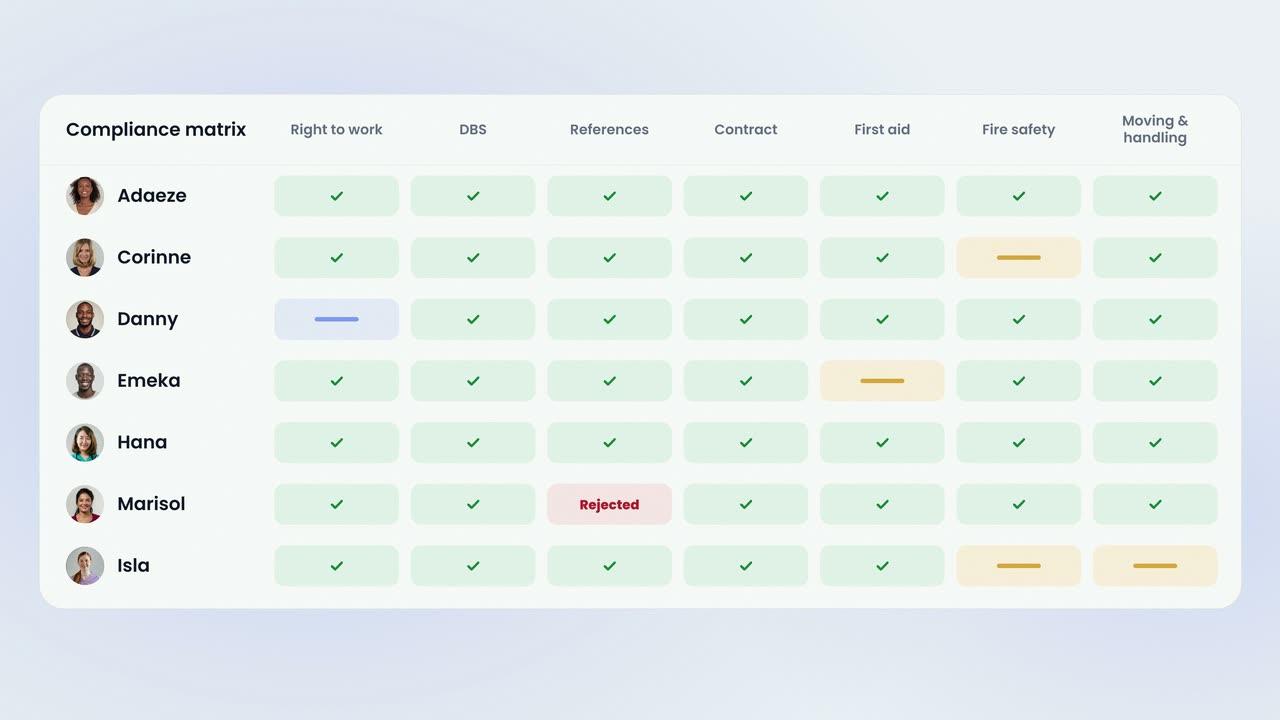
    There is a Regulation 12 and Regulation 15 view on screen: requests raised and completed, how long they take to resolve, inspections passed and failed, certificates by type, assets and schedules. Beside it is a compliance matrix of the six statutory checks — valid, expiring, expired or missing — and the weekly to annual checklists download as PDF.

    Regulation 12 and Regulation 15Requests and how they were resolved on one side; inspections, certificates, assets and schedules on the other.
    Read on ScreenThe figures are read in the dashboard, where they are already kept, rather than assembled beforehand.
    The Six Statutory ChecksEach statutory check with its regulation and its required frequency, marked valid, expiring, expired or missing.
    Checklists as PDFThe weekly, monthly, quarterly, biannual and annual checklists download as a PDF for the folder.
    08 · Where it lives

    On its own, and in the Platform.

    CareMaintenance is £89 a month per home on its own, with every staff member included, and it comes with the People Management Platform. Requests, checks, quotes and approvals are handled on the phone by your maintenance lead; the full module — schedules, templates, assets, certificates and reports — is on the dashboard.

    One Flat Price per HomeCareMaintenance is £89 a month per home, with every staff member included, and it is in the Platform at £10 per bed.
    Two Ways to Have ItTake CareMaintenance on its own, or have it as part of the whole platform beside every other module.
    The Phone and the DashboardRequests, checks, quotes and approvals are in the staff app; schedules, templates, assets, certificates and reports are on the dashboard.
    Everything Against the Same HomeRequests, checks, assets and certificates are kept against the home they belong to, on the same staff record as every other module.
    See the Platform

    The film · 2:20

    This is a request.

    A short film following one request from the floor to the moment it is closed, then the checks that run on a schedule, the register and the certificates behind them, and what is on screen on the day of an inspection. Captions are on the film.

    85%
    reduction in shift gapswithin six weeks
    2x
    increase in staff sentimentpositive mood scores
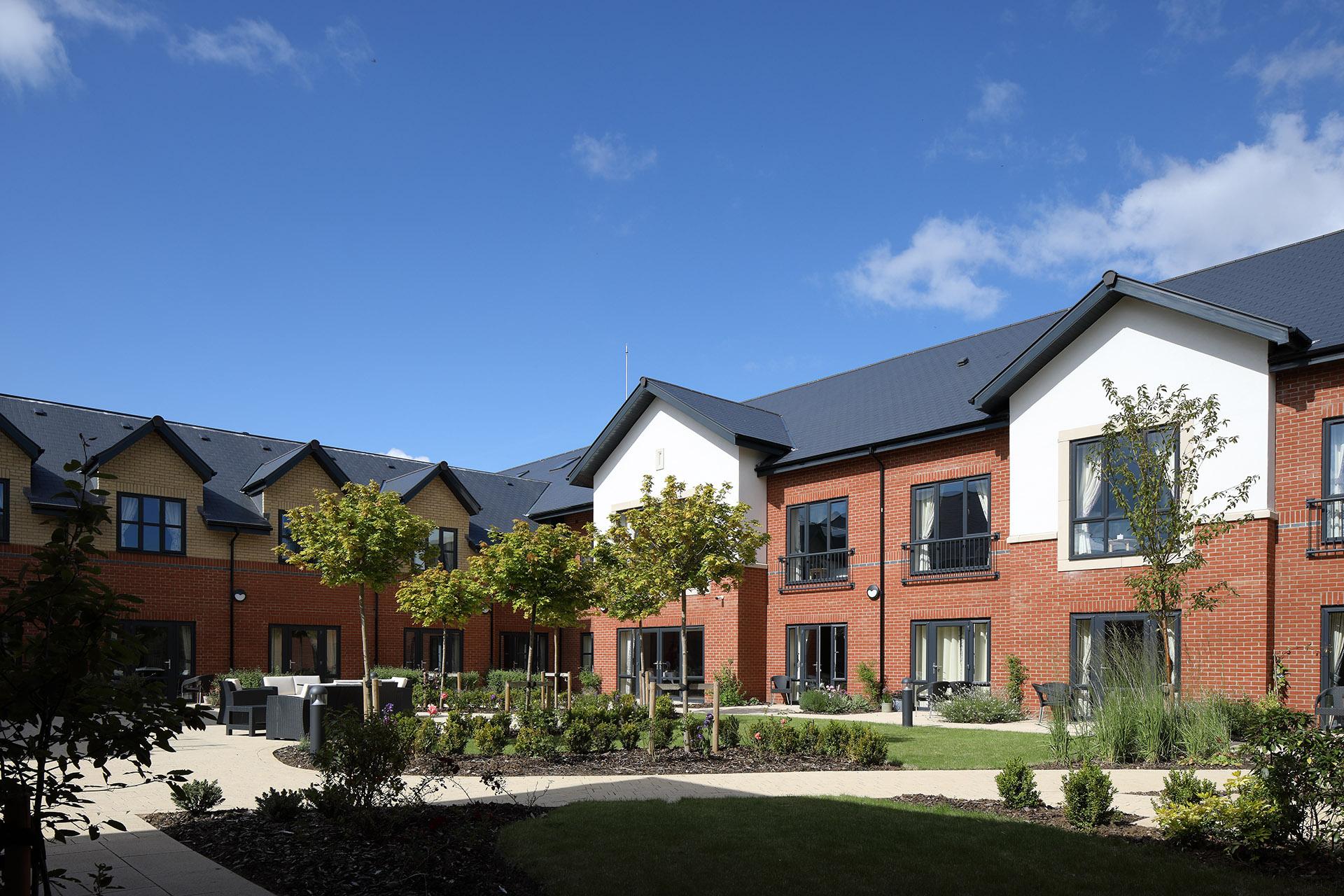
    The dining room at Esmere Gardens

    Moreton-in-Marsh, Gloucestershire70 residentsResidential, nursing and respite

    • RequestsAny member of staff can raise a maintenance request from their phone with photographs; it reaches your maintenance lead and remains visible until it is closed.
    • Quotes and invoicesContractor quotes are held against the request; approve one and log the invoice, keeping the cost of each job in one place.
    • Scheduled checksSet checks by room or asset, from daily to annual; statutory checks carry their regulation, and due and overdue checks are shown on the dashboard.
    • Inspections on the phoneComplete a checklist with a photograph required on every fail, run quick inspections on any room or asset, and managers sign off.
    • Your own checklistsChecklists can be built from scratch or started from the sample templates provided.
    • Asset registerRecord the category, serial number, warranty and room for every hoist, boiler and bed.
    • Compliance certificatesFire risk, gas, electrical, PAT, LOLER and legionella certificates, with expiry dates on the dashboard and a reminder before one lapses.
    • Reporting that answers an inspector from one screenA Regulation 12 and 15 view on screen, a compliance matrix of the six statutory checks, and weekly to annual checklists as PDF.
    • NotificationsPush notifications and emails are sent when a request comes in, a check is due or overdue, or an inspection needs approval.
    • Staff appOn iOS and Android — requests, checks and approvals for every staff member at no extra cost, and your maintenance lead works in it day to day.
    • Quick to startThere is nothing to install, no hardware to buy and no setup fee; it runs on your staff's own phones and the web.
    • Training includedWe set up your homes, import your staff records and train your managers and staff live, at no cost.
    • Support includedA UK team focused on the care sector, on in-app chat and email, with no support tiers or additional fees.
    CareMaintenance™
    £89 a month per home

    Available on its own, and included in the Platform.

    Or the Platform for £10 per bed. CareMaintenance is included in the People Management Platform, beside every other module. See pricing

    Last reviewed September 2026 · Based on publicly available documentation and pricing.

    Who can raise a maintenance request?

    Any member of staff, in three steps from the staff app or from the dashboard: what is wrong, a category, a due date and photographs. It is assigned to your maintenance lead or to the home’s default assignee, it stays on the dashboard until it is closed, and a manager closes it.

    How are contractor quotes and invoices handled?

    Quotes are held against the request with the contractor, the amount, the date the quote is valid until and the document. A manager accepts one, the request goes in progress and the other quotes are rejected. The invoice is logged against the same job, so what the work cost sits with the work.

    How are checks scheduled, and how are they completed?

    Checks are set for the home, a room or an asset, from daily to annual, each with a lead time and an assignee, and statutory checks carry the regulation they answer. Due and overdue checks are shown on the dashboard, and the check is completed from the app when it falls due — nothing is generated for you.

    Who signs a check off, and what happens to a failed item?

    The checklist is completed on the phone: every item passes or fails, a failed item needs a photograph, and an item can be skipped with a note. The check is submitted as a pass, a fail or a partial, a manager approves it with a digital signature, and a failed item can be raised as a maintenance request.

    Which certificates does it hold, and are we reminded before one lapses?

    Fire risk assessment, gas safety, electrical installation, PAT, LOLER and legionella, with an other category for anything else you hold. Each carries its number, its issue and expiry dates, the issuing body, the person responsible and the document, and each has its own reminder before it lapses. Expiring and expired certificates are counted on the maintenance dashboard.

    What does CareMaintenance cost, and is it included in anything?

    CareMaintenance is £89 a month per home, with every staff member included, on a monthly rolling contract with no setup fee. It is also included in the People Management Platform at £10 per bed per month.


    Your standards, in every home.

    Book a demonstration to see CareMaintenance working with your own homes and your own buildings.

    See pricing