


Platform › Products › CareRota CareRota Leave

    Leave that the rota already knows.

    Staff request leave from their phones, and a single approval updates the rota, the timesheet and payroll.

    Balances in days or hours, accrual, new-starter limits, per-role caps and paid or unpaid leave types follow your own policy, set for each home. Staff see what they have left, and who else is off that week, before they ask — and head office and the home manager read the same figures.

    InCareRotaCareHRIncluded in CareRota and CareHR, £6 per bed per month
    Balance · Danny Okiro
    9 days remaining · of 28
    Used 19 · annual leave
    Leave approved
    Danny OkiroAnnual leave · Fri 25 Sep · 1 dayApproved

    01 · Ask it

    Staff ask from their phone, against a live balance.

    Staff request, edit or cancel leave in the app. The balance is live — remaining, used and total — in days or hours, and they can see who else is already off that week before they ask.

    What They Have LeftThe Leave screen carries the balance — remaining, used and total — and every request is made against it.
    Balances in Days or HoursEach member of staff is allocated in days or in hours, and the balance is tracked and shown in that unit. Holiday accrual is calculated.
    See Who Else Is on LeaveThe week shows who else is already off, and a day that has reached the role's cap is greyed out before anybody asks for it.
    The Request ItselfA request carries the type of leave, the dates and how long it is, and staff can edit or cancel it in the app.
    02 · Approve it

    Approve it once. The rota, the timesheet and payroll follow.

    The request lands on the manager's screen with the balance already worked out. One approval updates the rota, the timesheet and payroll, and both sides are told on their phones.

    The Balance, Already Worked OutRemaining, used and total are on the request when it arrives, so the decision is made without opening anything else.
    One Approval, Three PlacesA single approval updates the rota, the timesheet and payroll, so the same day is never entered twice.
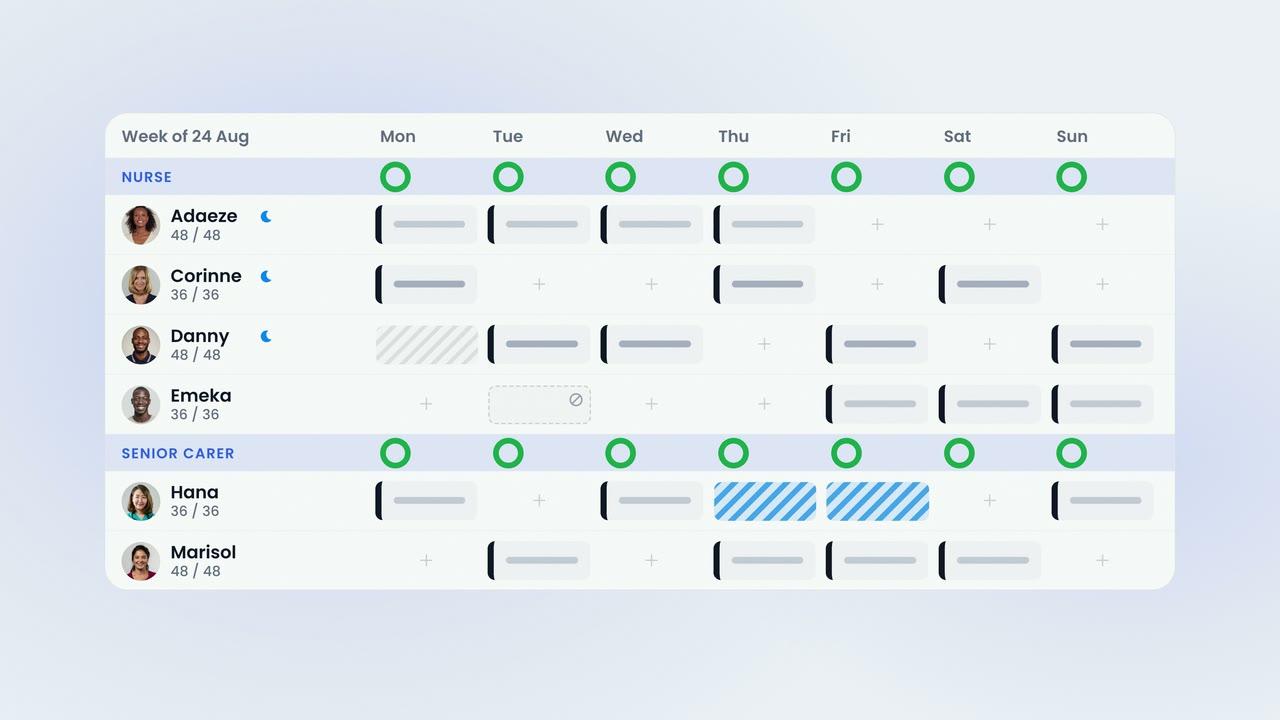
    Shown on the Rota as You PlanApproved holiday, sickness and contracted days off are shown on the rota grid while the week is being planned.
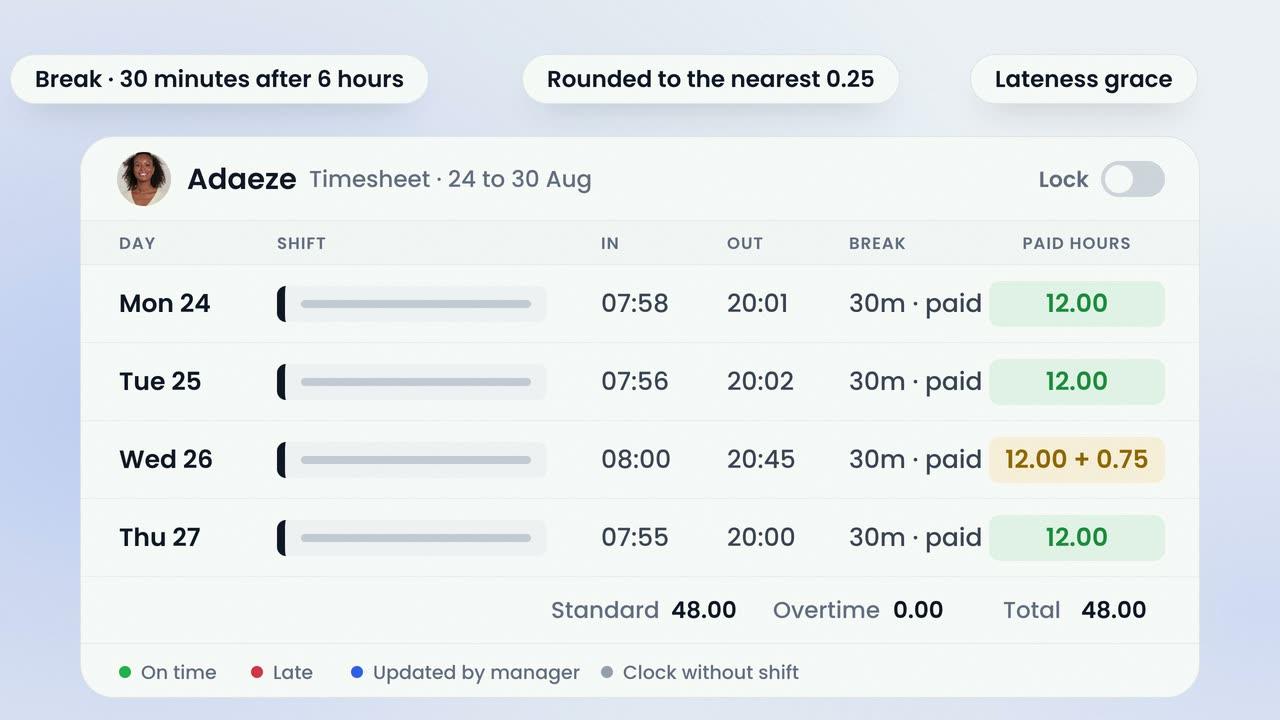
    Leave in the Pay PeriodApproved leave lands on the timesheet as a paid or unpaid band and is carried into the locked pay period. Holiday pay follows the leave type's paid status.
    03 · Your rules

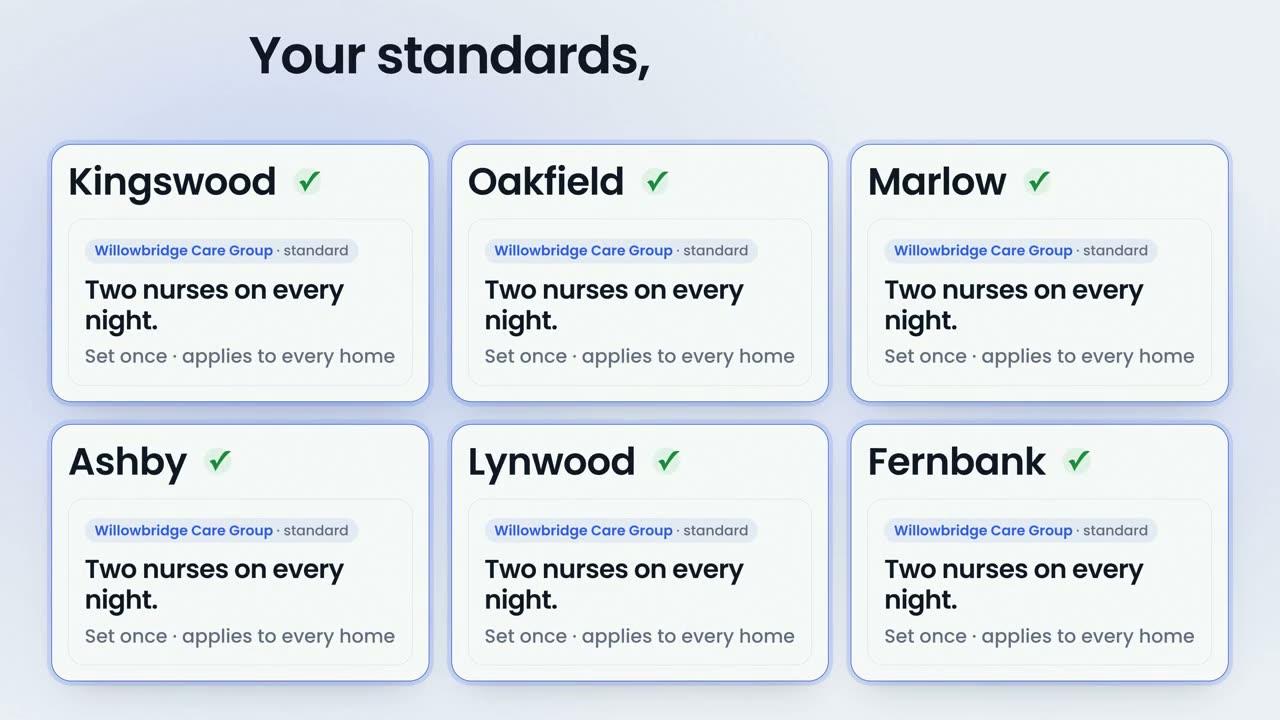
    Your policy, set once for the company and tuned for each home.

    How many of each role may be off at once, your leave year, your accrual, new-starter limits and which types are paid are settings rather than conventions, and a manager can override a refused request with a recorded reason.

    Caps by Role, per HomeThe maximum on leave at once is set per role for each home, and the cap is enforced on the request and on the approval.
    Set on the Home's Own TabEach home keeps its own caps beside its other Location settings, so a group standard applies without every home running identically.
    Your Leave Year, Your AccrualThe leave-year start, the accrual percentage and the types that count toward it, over-allocation rules and new-starter limits in the first three and six months are company settings.
    Your Policy, Set OnceBalances in days or hours, accrual, new-starter limits and paid or unpaid by type — decided for the company, and tuned for each home.
    Sickness, Logged the Same WaySickness is recorded through the same screens. It is unpaid, and the leave balance is left untouched.
    Paid or Unpaid by TypeEvery leave type carries a default paid status that you set, and holiday pay follows it.

    The film · 1:24

    This is a leave request.

    A short film following one leave request — Danny Okiro's, Friday the twenty-fifth, one day — from his phone to the manager's screen, and from one approval into the rota, the timesheet and payroll. Captions are on the film.

    85%
    reduction in shift gapswithin six weeks
    2x
    increase in staff sentimentpositive mood scores
    The dining room at Esmere Gardens

    Moreton-in-Marsh, Gloucestershire70 residentsResidential, nursing and respite

    • Requests from the phoneStaff request, edit and cancel leave in the app, against a live balance.
    • Balances in days or hoursRemaining, used and total, in the unit each member of staff is allocated in.
    • One approvalA single approval updates the rota, the timesheet and payroll.
    • Who else is on leaveStaff see who else is off that week before they ask, with full days greyed out by the role cap.
    • Per-role capsHow many of each role may be off at once is set for each home, and enforced on the phone and in the office.
    • Accrual and new-starter limitsHoliday accrual is calculated, and leave in a new starter's first three and six months can be capped.
    • Paid or unpaid by typeEach leave type carries the paid status you set; sickness is unpaid and leaves the balance untouched.
    • Your leave yearThe leave-year start, the accrual percentage and your over-allocation rules are set once for the company and tuned for each home.
    CareRota™
    £6 per bed per month

    Leave is included in CareRota. Monthly rolling. £0 setup. Setup, training and support included.

    Or CareHR for £6 per bed. Leave is included in CareHR as well, and in the whole platform at £10. See pricing

    Last reviewed September 2026 · Based on publicly available documentation and pricing.

    How do staff book leave?

    In the staff app. They request, edit or cancel leave against a live balance — remaining, used and total — and can see who else is already off that week before they ask.

    Is the balance in days or in hours?

    Whichever the person is allocated in. Each member of staff is set to days or to hours, and the balance is tracked and shown in that unit.

    What happens when a manager approves a request?

    One approval updates the rota, the timesheet and payroll. The leave is shown on the rota as the week is planned, it lands on the timesheet as a paid or unpaid band, and holiday pay follows the leave type's paid status.

    Can we stop too many of one role being off at once?

    Yes. The maximum on leave at once is set per role for each home. The cap is enforced on the request and on the approval, and full days are greyed out in the app before anybody asks for them.

    How is sickness recorded?

    Through the same screens as any other leave. Sickness is unpaid, and the leave balance is left untouched.

    Can we set our own leave year and accrual?

    Yes. The leave-year start, the holiday accrual percentage and which leave types count toward it, your over-allocation rules and the default paid status for each type are company settings. Role caps are set on each home's Location tab.

    Can we limit what a new starter takes?

    Yes, if you set it. A maximum can be set for the leave a new starter may take in their first three months and in their first six months.

    Can a manager overrule a refused request?

    Yes. A manager can override a refused request, and the reason is recorded with it.

    It's still a leave request. It just knows the rota.

    Book a demonstration to see leave working with your own homes, your own roles and your own policy.


    See pricing