
Solutions Time & Attendance

    Every clock-in writes the timesheet.

    Track individual hours and attendance in real time.

    Staff clock in at any Android tablet on the wall, or from their own phone within the range you set. The week is returned colour-coded by what actually happened, extra time is held for your approval, and payroll runs on your own pay pattern.

    InCareRotaPlatform£6 per bed per month
    Adaeze · week of 24 Aug
    48.75 hrs
    48.00 standard · 0.75 overtime
    Clocked in
    Hana KobayashiSenior Carer · Mon 24 Aug · 07:52On time

    01 · Clocking in

    Any standard Android tablet is the clock-in terminal.

    Staff enter their PIN, see their shift and clock in with a single tap. There is no proprietary terminal to buy, and no fobs or cards to issue. With photo on clock enabled, every clock-in and clock-out stores a photograph with the record for the manager to see.


    PIN Clock-InStaff enter a six-digit PIN at the terminal, see their shift for the day and clock in, out or onto a break.
    Clock-In RangeEach terminal is pinned on a map, and the clock-in range you set ensures clock-ins are only accepted at the home. Staff can also clock in from their own phone, but only within that range.
    02 · On the day

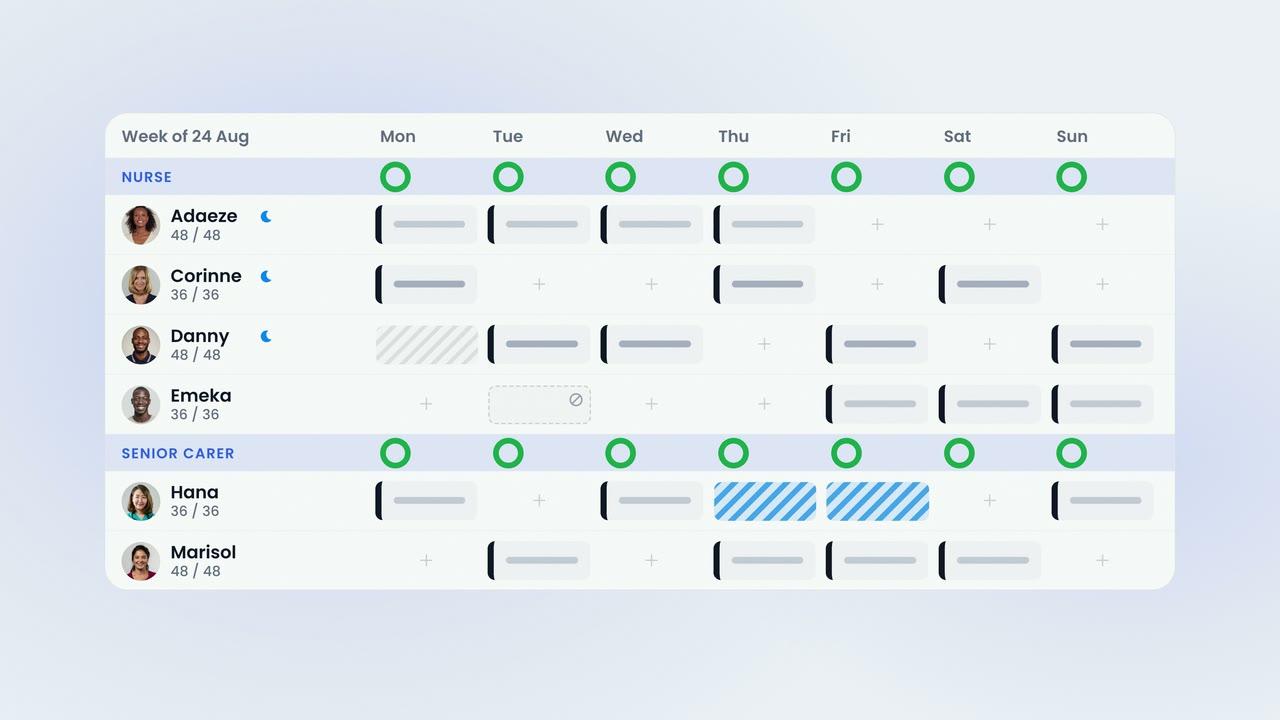
    The week is colour-coded by what actually happened.

    Once shifts are worked, the rota shows what actually happened (on time, late, amended or awaiting approval), so managers can see at a glance where attention is needed.

    Alerts Set by YouLateness grace, no-show and missed clock-out alerts are set by you, and staff receive clock-in and clock-out reminders on their phones. Managers are notified when a shift starts and nobody has clocked in, and a record added by a manager is shown in blue.
    The Week in ColourClock records colour the planned shifts: green for on time, red for late, blue where a manager stepped in and amber for items awaiting approval.
    03 · Timesheets

    The timesheet carries the same colours as the rota.

    Planned hours and clocked hours appear on one screen, and paid hours are calculated by the rules you set. Breaks, rounding, lateness grace and attendance alerts are set once for the whole company.

    Automatic CalculationsBreaks, rounding, lateness and early or late minutes are all calculated automatically, by the rules you set.
    Approve or UnapproveEach extra time entry is approved or unapproved by a manager, with a reason. Additional hours are held for your approval before they reach payroll, and approved time is separated into overtime automatically.
    04 · Payroll

    Once the period is locked, payroll is ready.

    Payroll runs on your pay frequency, with your rates per role, your rounding and your break rules. Staff can see their own hours and overtime in the app, and their pay if you choose to show it, so queries are raised before payroll is run.

    Payroll ExportsThe payroll report exports as CSV or XLSX, including a Moneysoft-format report, for your bureau or payroll system.
    Lock and FinaliseLock the period and finalise payroll, producing one report that cannot be edited afterwards.

    The film · 2:24

    This is a timesheet.

    A short film explaining how clock-ins write the timesheet, how the week is checked and how payroll is prepared. Captions are available.

    85%
    reduction in shift gapswithin six weeks
    2x
    increase in staff sentimentpositive mood scores
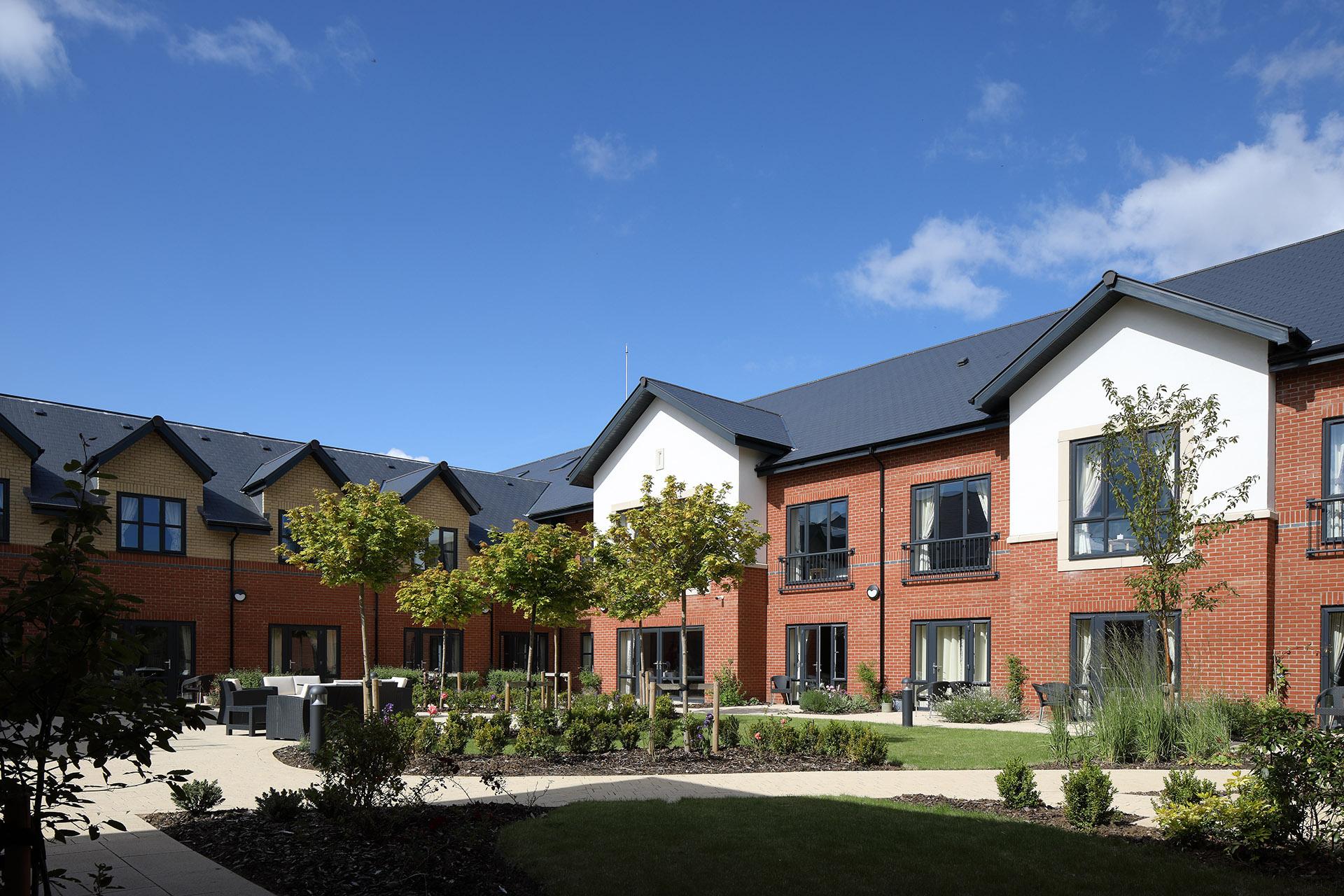
    The dining room at Esmere Gardens

    Moreton-in-Marsh, Gloucestershire70 residentsResidential, nursing and respite

    • Time & attendanceEvery clock writes the timesheet, and the timesheet wears the same traffic lights as the rota.
    • PayrollLock the period and payroll is ready, in your pay pattern.
    • Rota & budgetsPlan the week by role, per home, against an hours budget the rota cannot overspend.
    • Leave managementRequests and approvals from the phone. One approval updates the rota, the timesheet and payroll.
    • Staff appOn iOS and Android, for every staff member at no extra cost.
    • Quick to startNothing to install, no hardware to buy, no setup fee.
    • Training includedWe set up your homes and rota rules, then train your managers live.
    • Support includedA UK team that knows care homes, on in-app chat and email.
    CareRota™
    £6 per bed per month

    Monthly rolling. £0 setup. Setup, training and support included.

    Or the whole platform for £10. CareRota and CareHR together, plus CareChat and CareMaintenance. See pricing

    Last reviewed September 2026 · Based on publicly available documentation and pricing.

    What hardware do we need?

    None needs to be bought. Managers use the web dashboard, staff use their own phones, and the clock-in terminal is any Android tablet on the wall.

    Can staff clock in from their own phones?

    Yes, but only within the clock-in range you set for the home, between 50 and 300 metres. Out of range, the app shows the map and asks them to move closer.

    How do we know the right person clocked in?

    Each person clocks in with their own six-digit PIN. With photo on clock enabled, every clock-in and clock-out also stores a photograph with the record for the manager to see.

    What happens when someone does not clock in?

    Managers are notified when a shift starts and nobody has clocked in. Lateness grace, no-show and missed clock-out alerts are set by you, and a record added by a manager is shown in blue.

    How is extra time handled?

    Additional hours are held for your approval before they reach payroll, and approved time is separated into overtime automatically.

    Which payroll systems does it work with?

    The payroll report exports as CSV or XLSX, including a Moneysoft-format report, in your own pay pattern.

    Your standards, in every home.

    Book a demonstration to see clock-in, timesheets and payroll working with your own homes and roles.

    See pricing