
Platform › Products CareKudos™

    Say thank you where it happened.

    Recognition and communication for the whole home.

    Any member of staff can thank a colleague from their own phone and record the values it showed, and the app crowns champions every month. One feed carries the rest, from news and events to polls and priority posts everyone must acknowledge, and the reports show engagement, kudos and values for each home.

    InCareHRPlatform£89 a month per home
    Kudos champions · August
    9 kudos
    Hana Kobayashi · most recognised
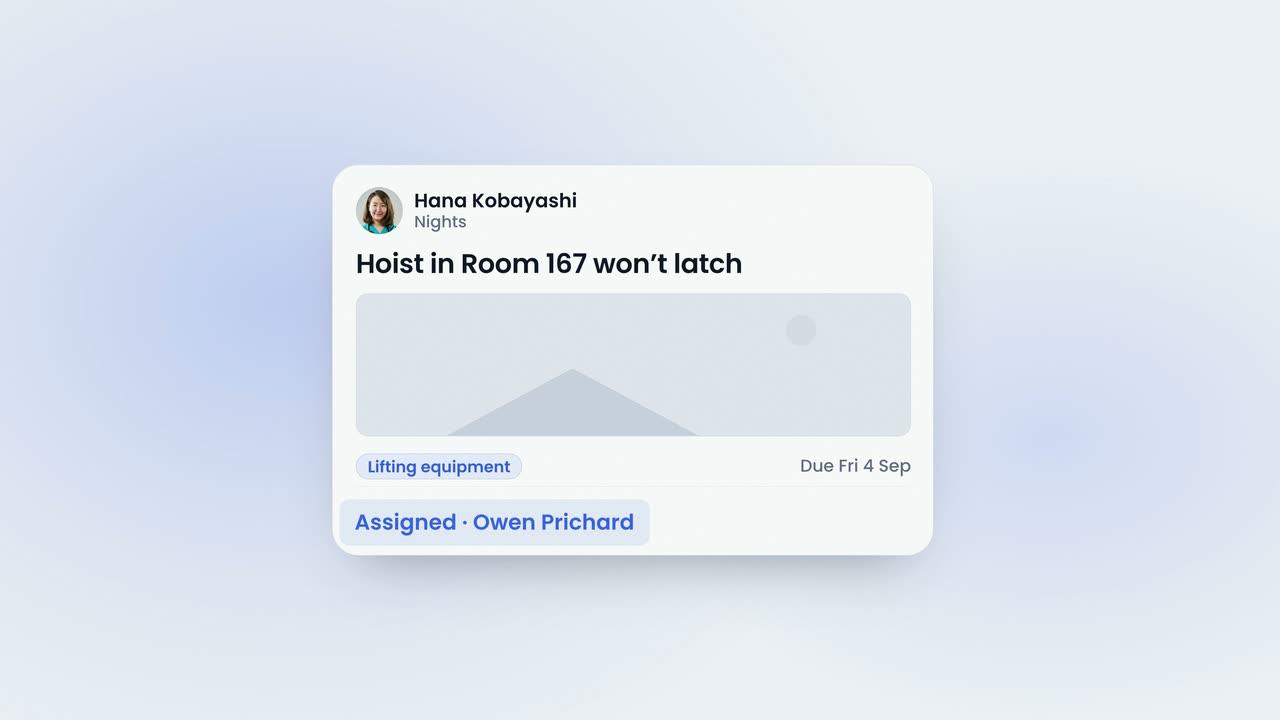
    Owen thanked Hana
    Hana KobayashiCompassion · TeamworkOn the feed

    01 · Give kudos

    Any member of staff can give kudos from their own phone.

    Kudos are given from the Directory in the staff app or from the dashboard. Choose the colleague, the type of thank-you and the values it showed, and AI will draft or improve the words.


    Kudos From the DirectoryStaff open the Directory in the app, stop on a colleague's row and give kudos there and then.
    Five Types, and the Values ShownCongratulations, star, thank you, work anniversary and employee of the month, each tagged with up to four values: twelve fixed ones, or your own.
    AI Drafts the WordsAI suggests the wording of a thank-you, or improves what has been written, so the thank-you gets written instead of postponed. The words stay yours to edit.
    The Give Kudos SheetThe person, the type and the values are set on one sheet, with a free-text value of your own if the twelve do not fit.
    On the Feed for the Whole HomeThe kudos is posted to the feed for the whole home to see, and the person is notified that they have been recognised.
    The Kudos CardThe card carries the message, the values tagged and who sent it, with a like and comments from anyone in the home.
    02 · Champions

    The app crowns its champions every month.

    Points are counted at report time, and the previous month's top three givers and top three recipients appear on the app home screen beside the leaderboard, for the whole home to see.

    Champions Every MonthThe champions card names the top giver and the most recognised for the month just gone, announced with confetti.
    Top Givers and Top RecipientsEmployee of the month counts two points and every other type counts one, so both giving and receiving are recognised.
    Notified on the PhoneStaff are notified when they are recognised, and when there is news that needs reading.
    The Leaderboard on the App HomeThe leaderboard sits on the app home screen, so the month's recognition is the first thing the team sees.
    03 · The feed

    One feed for the home, sent to the audience you choose.

    News, announcements, polls, kudos, events, priority posts and company updates run on one feed, addressed to the whole company, one home, one team or one person, and posted from the app or the dashboard.

    News, Events and Polls in One PlaceThe same feed carries the rest of what a home needs to say, on every phone, so nobody hears it second-hand.
    Who the Post Is ForEach post is addressed to the company, one home, one team or one person, and people can be tagged by name.
    Photographs, Video and LinksA post can carry up to ten photographs, an uploaded video and YouTube or Vimeo links shown in the feed. Posts publish immediately.
    Posted From the App or the DashboardManagers write on the dashboard and staff write in the app, and AI can tidy the wording of either.
    Likes, Comments and PinningEvery post carries a like and comments, and the one that matters can be pinned to the top of the feed.
    A Post on the FeedA pinned post sits above the rest, and the kudos card reads the same way in the app as it does on the dashboard.
    04 · Priority

    Priority posts everyone must acknowledge.

    Marking a post priority makes acknowledgement compulsory. Staff acknowledge it in the app, and the report shows the number acknowledged against the audience, with the names beside it.

    Acknowledged in the AppThe fire drill, a policy change or a change to the rota reaches every phone as a priority post, acknowledged in one tap.
    Acknowledgement RequiredA priority post cannot be passed over: the reader is asked to acknowledge it, and the record is kept against the post.
    The Acknowledgement ReportThe report shows how many of the audience have acknowledged the post and who they are, and it exports as CSV.
    Who Has, and Who Has NotManagers read the report on the dashboard, so a notice that had to be read is evidenced rather than assumed.
    05 · Polls & events

    Ask the home a question, or invite them to an event.

    Polls carry text or image options, multiple selections, results shown after the vote, an expiry date and the list of who voted. Events collect RSVPs of attending, maybe or cannot attend.

    A Poll for the HomeAsk which training to run next or how the handover should work, and watch the answers come in.
    Votes, CountedResults can be shown after the vote, several options can be chosen, and the poll closes on the date you set.
    Events With RSVPStaff reply attending, maybe or cannot attend, and event RSVPs are what the company scorecard counts as attendance.
    Plan It on the FeedThe summer barbecue, a staff meeting or a family open day is posted to the audience you choose, and the replies land in one place.
    06 · Reports

    Culture with numbers, reported for each home.

    Five report tabs on the dashboard: engagement, the kudos leaderboard, the kudos report, the values report and a company scorecard across every home.

    Five Report TabsEngagement, who gives and who receives, and which values show up most, for each home.
    Engagement, Kudos and ValuesThe kudos report can include leavers, the top half of the list or a list of the size you choose.
    A Scorecard Across Every HomeOne row per home, so head office can see where recognition is happening and where it is not.
    Read on the DashboardManagers post and read the reports on the dashboard; staff work entirely in the app.
    07 · Where it lives

    On its own, in CareHR and in the Platform.

    CareKudos is £89 a month per home on its own, with every staff member included, and it comes with CareHR and with the People Management Platform at no extra cost.

    Three Ways to Have ItTake CareKudos on its own at one flat price per home, or have it inside CareHR or the whole platform.
    One Staff Record, One AppKudos, the feed and the reports sit on the same staff record and the same app as the rota, clock-in, leave and HR.
    See CareHR

    The film · 2:30

    This is a thank-you.

    A short film explaining how a thank-you is given from the floor, how the whole home sees it and what the reports show. Captions are available.

    85%
    reduction in shift gapswithin six weeks
    2x
    increase in staff sentimentpositive mood scores
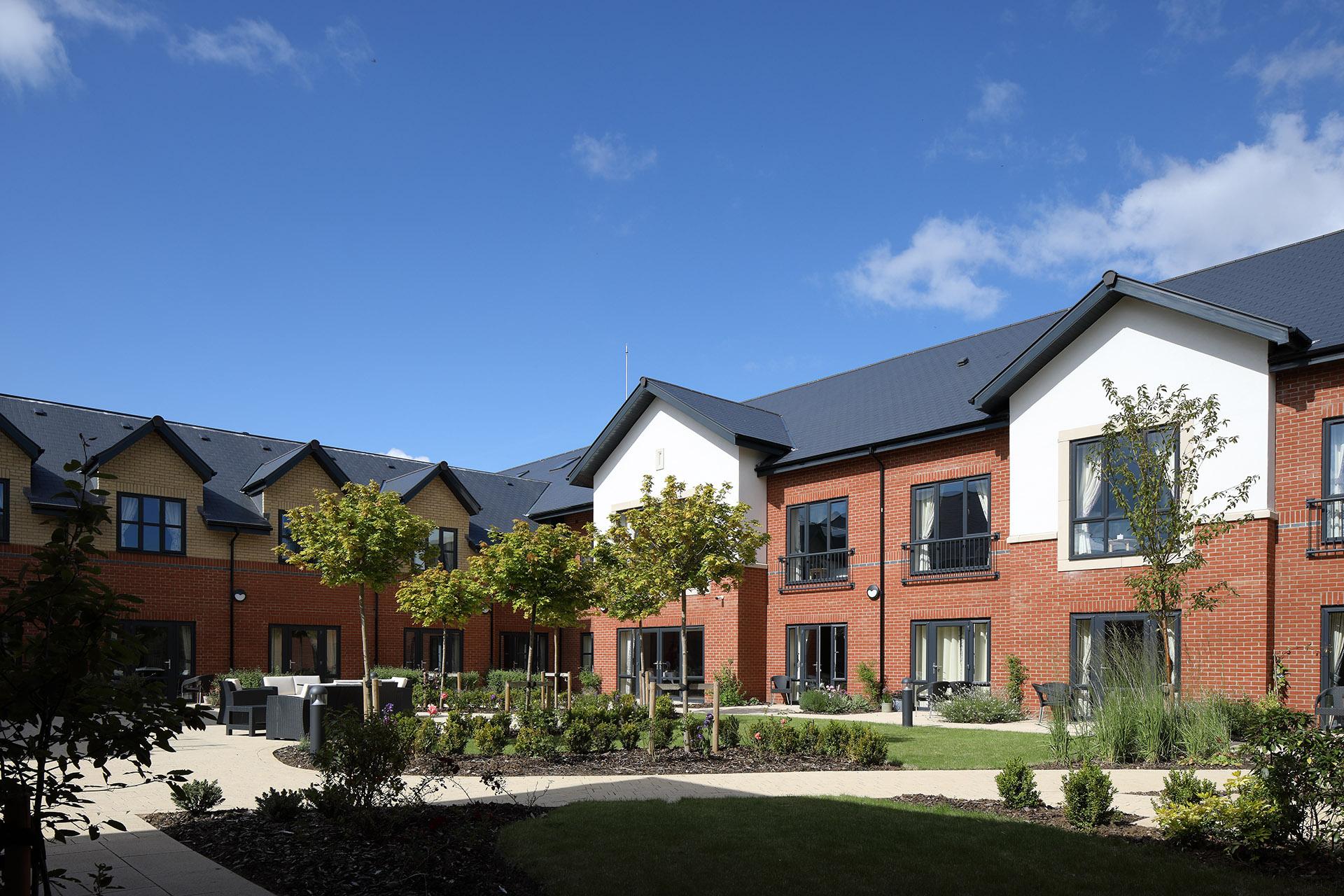
    The dining room at Esmere Gardens

    Moreton-in-Marsh, Gloucestershire70 residentsResidential, nursing and respite

    • KudosAny member of staff can thank a colleague from their phone and record the values shown, and champions are recognised each month.
    • Leaderboard & championsThe leaderboard and this month's champions appear on the app home screen, so the whole home can see who is being thanked.
    • One feed for the homeNews, events with RSVP, polls and priority posts that everyone must acknowledge, with a record of who has done so.
    • AI writing helpAI suggests or improves the wording of a post or a thank-you.
    • Photographs & videoEvery post carries likes and comments, can be pinned, and can include several photographs, uploaded video and YouTube or Vimeo links.
    • ReportsEngagement, kudos leaderboard, values and company scorecard reports, with an acknowledgement report you can export.
    • Staff appOn iOS and Android, for every staff member at no extra cost. Managers post and read the reports on the dashboard.
    • Training and support includedWe set up your homes, import your staff records and train your managers live. A UK team on in-app chat and email.
    CareKudos™
    £89 a month per home

    Available on its own, and included in CareHR and the Platform.

    Or CareHR for £6 per bed. CareKudos, leave and surveys are included in CareHR, and in the whole platform at £10. See pricing

    Last reviewed September 2026 · Based on publicly available documentation and pricing.

    Who can give kudos, and what is recorded?

    Any member of staff, from the Directory in the app or from the dashboard. There are five types — congratulations, star, thank you, work anniversary and employee of the month — and up to four values can be tagged against each one, from twelve fixed values plus a value of your own.

    Does AI write the thank-you?

    AI suggests the wording of a kudos or a post, and improves what has already been written. The words remain yours to edit, and nothing is posted until the person posts it.

    How are the monthly champions decided?

    Points are counted at report time, two for employee of the month and one for every other type. The champions are the previous month's top three givers and top three recipients, shown with the leaderboard on the app home screen.

    How do we know a priority post has been read?

    Marking a post priority makes acknowledgement compulsory. Staff acknowledge it in the app, and the acknowledgement report shows how many of the audience have acknowledged it and who they are. That report exports as CSV.

    What can a post carry?

    Text, up to ten photographs, an uploaded video and YouTube or Vimeo links shown in the feed. Every post carries a like and comments, can be pinned, and is addressed to the company, one home, one team or one person. Posts publish immediately.

    What does CareKudos cost, and is it included in anything?

    CareKudos is £89 a month per home, with every staff member included, on a monthly rolling contract with no setup fee. It is also included in CareHR at £6 per bed per month and in the People Management Platform at £10 per bed per month.

    Your standards, in every home.

    Book a demonstration to see CareKudos working with your own homes and teams.

    See pricing